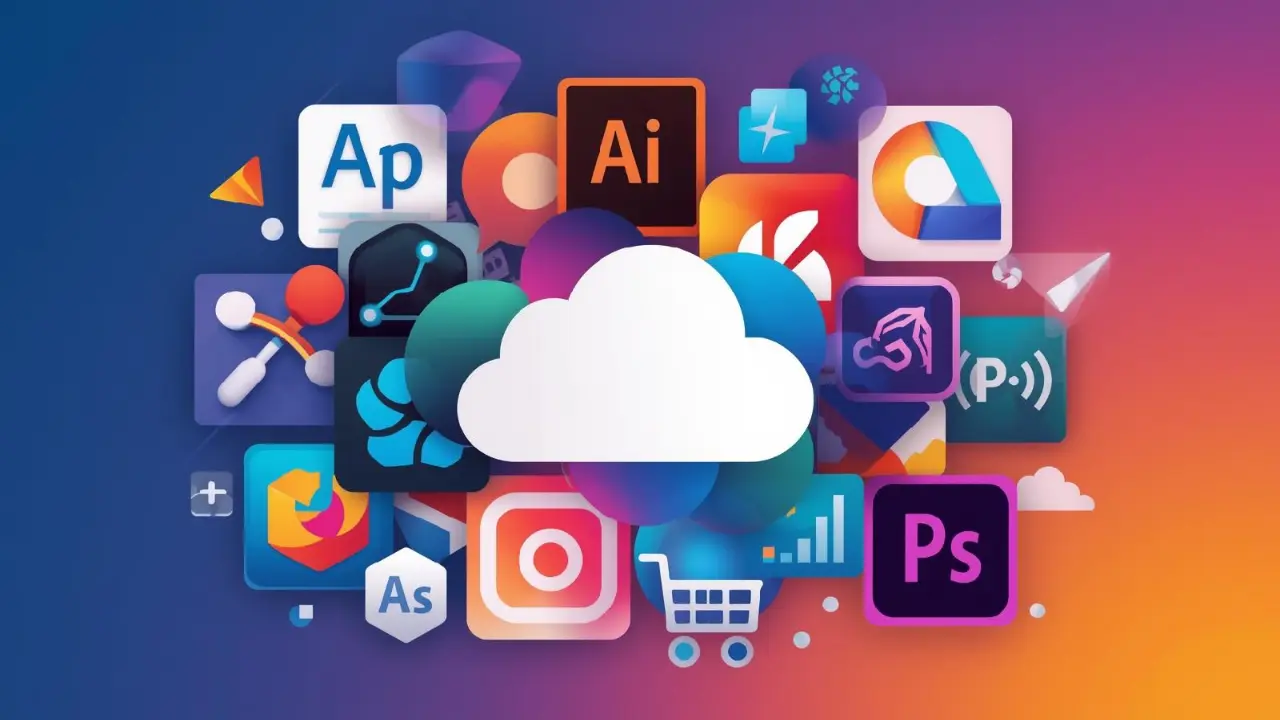
Over the years, the Adobe Creative Cloud has dominated the creative software market, providing powerful solutions to designers, photographers, and those who create content globally. Nevertheless, the subscription pricing structure and recurring expenses have made a significant number of professionals and hobbyists look into Adobe Creative Cloud Alternatives to provide them with similar functions at reasonable prices.
Not only is it more important now than ever to find the right substitutes to Adobe Creative Cloud, but you might also need to switch to a more affordable or free version when working on a tight budget or experimenting with creative tools, or when you need to lower the cost of your operations.
This all-encompassing guide examines ten outstanding solutions offering professional-grade capabilities, be it in terms of image editing and creating vectors or video editing and 3D modeling. Both options are strong, flexible in terms of pricing, and have what Adobe cannot achieve in its ecosystem, and they should be considered by any person who wants to improve their workflow in the field of creating without the excessive subscription fees.
What is Adobe Creative Cloud?
Adobe Creative Cloud is a fully integrated platform of professional software used by creative professionals in all fields. This subscription service involves industry-standard software such as Photoshop image editing software, Illustrator in the case of vector graphics, Premiere Pro in the case of video editing, After Effects in the case of motion graphics, InDesign, which is publishing software, and several other specialized software.
These applications, as well as cloud storage, Adobe Fonts, and collaborative features, are paid for by the users monthly or annually. The platform is seamlessly cross-platform and enables creators to work on their projects anywhere, and fully compatible files.
Although the subscription model has strong features and is widely used in the industry, it needs continuous payments, and it will build up over time. When users do not need all the applications of the Creative Cloud and want to purchase their own equipment using a single payment or a less expensive way to access software, they often find themselves in search of Adobe Creative Cloud Alternatives, which provide comparable professional tools.
Why Adobe Creative Cloud Alternatives Are Important
The question of Adobe Creative Cloud Alternatives has been more important than ever to creative professionals, students, and businesses that aim to maximize the value of their software purchases without compromising on the quality of the work produced. The choice to implement other options extends past mere economic approaches and includes aspects of workflow choices, professional requirements, and sustainability.
- Cost-effectiveness: The recurring Adobe charges can add up to thousands of dollars every year, and single-time purchase options are cost-effective.
- Ownership: Perpetual licenses enable software users to be the owners of the software in the sense that they will have the use of the software irrespective of the subscription changes.
- Niche tools: A variety of tools exist that specialize in a specific creative field, and have more advanced functionality in specific fields than the generalised approach of Adobe.
- System requirements: Lightweight versions tend to be more efficient on older hardware, and will allow old computers to last longer without the need to upgrade them, to is more expensive.
- Free alternatives through open-source community: Transparent development, frequent updates, and co-improvement of free alternatives, without corporation-imposed limitations, is supported by global developer communities.
Pros of Adobe Creative Cloud Alternatives
Although Adobe Creative Cloud is still an industry standard, there are options that can be substituted with Adobe Creative Cloud that have strong points that appeal to various users. These advantages are not only limited to saving money in the short term but also flexibility and flexibility in the long term.
- Massive cost reductions: Single purchases or free open-source means will remove recurrent subscription fees, which can save thousands of dollars in several years of professional use.
- None of the subscription dependency: Subscribers retain indefinite access to their creativity tools with no concern about lapses in payments, cancellation of subscriptions, or losing access to their most important projects in the middle of a workflow.
- Niche: Most of these offer more polished tools and processes for particular tasks than those offered by Adobe, which is aimed at the cross-functional market across disciplines.
- Reduced system requirements: Alternative software usually requires fewer processing resources and memory, making it possible to do creative work with a budget computer, older hardware, or with a system with limited hardware requirements.
- More customization choices: Open-source and independent versions can offer a wide variety of customization features, plugin frameworks, and scripting support, which allow end users to customize the workflows to exactly fit their requirements.
Cons of Adobe Creative Cloud Alternatives
Although there are many benefits, Adobe Creative Cloud Alternatives have some limitations and challenges that should be given serious consideration by the user before making a transition. Being aware of these disadvantages allows one to set achievable expectations, as well as to make informed decisions.
- Adjustments of the learning curve: A transition to the unfamiliar interfaces of Adobe would demand time investment to become familiar with working with the new interfaces, including new workflows, keyboard shortcuts, and where to find features, and would result in a temporary decline in productivity during the transition phases.
- File compatibility issues: Adobe standard industry-wide formats can be opened with difficulty in other software, and they can sometimes lose features, which may make it difficult to cooperate with clients or colleagues who use Adobe.
- Low industry adoption: Adobe tools are widely used by professional environments and agencies, and may introduce a workflow strain when external software is utilized by freelancers or employees to deliver project products.
- Less sophisticated features: Some options do not have the state-of-the-art features, AI-based solutions, or even niche features that Adobe uses as a regular means to release new creative opportunities to complex business work.
- Smaller support networks: Smaller software products generally have fewer tutorials and online lessons, community resources, and third-party extensions than Adobe has a mass of educational content and third-party extensions.
Explore This Also: Best AI Story Generators
Top 10 Adobe Creative Cloud Alternatives
1. Figma
Website: https://www.figma.com/
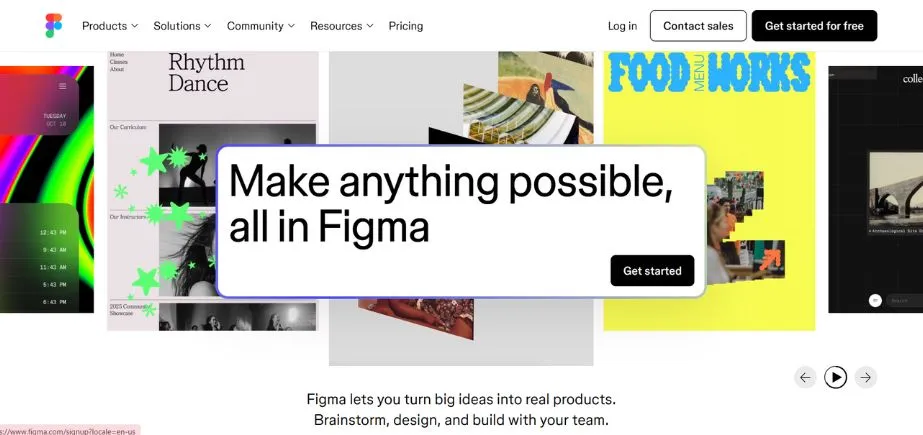
Figma has transformed the digital design experience by providing a cloud platform that allows interface and user experience work to occur in a smooth collaboration and real-time editing. Figma is web-based and offers offline desktop applications, unlike the old-fashioned desktop applications. This ease of use has enabled it to become among the most used Adobe Creative Cloud Alternatives among UI/UX designers, product teams, and digital agencies.
The platform is excellent in editing vectors, system of components based design, prototyping within, interactive transitions, and handing over to the developer with code generation. Team members can collaborate in the same file and immediately see the cursors and changes of each other, which gets rid of version control nightmares that were typical with traditional software.
Consistency is guaranteed throughout the existence of large-scale projects with the use of design libraries and shared component systems, whereas feedback loops are supported through comments and annotations. Figma does not process photos or videos as edited in the larger Adobe, but laser focus on the design of digital products has become essential to contemporary design processes.
Key Features:
- Real-time collaborative editing
- Browser-based and desktop accessibility
- Component libraries and systems
- Interactive prototyping capabilities
- Developer handoff automation
Pros:
- Cross-platform compatibility everywhere
- Excellent team collaboration tools
- Free tier available
Cons:
- Requires internet connectivity
- Limited for photo editing
- Performance issues on large files
Pricing:
- Starter: Free
- Professional: Collab seat $5/mo, Dev seat $15/mo, Full seat $20/mo
- Organisation: Collab seat $5/mo, Dev seat $25/mo, Full seat $55/mo
- Enterprise: Collab seat $5/mo, Dev seat $35/mo, Full seat $90/mo
2. DaVinci Resolve
Website: https://www.blackmagicdesign.com/
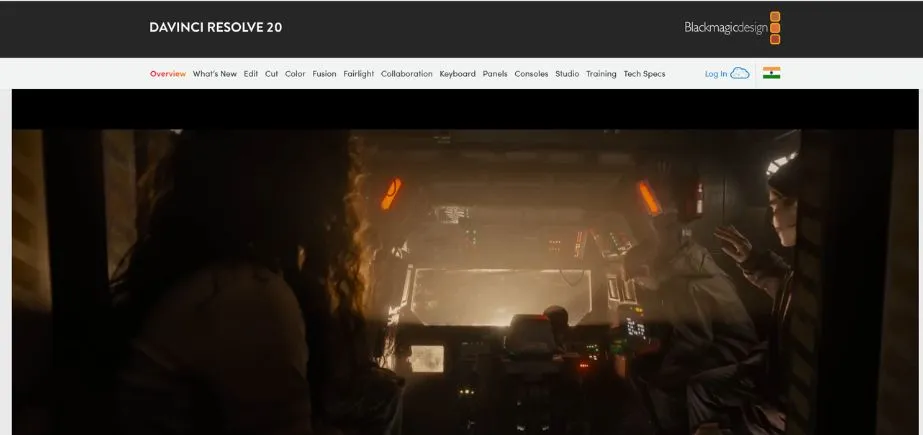
DaVinci Resolve is one of the most all-in-one video editing applications on the market, with highly-professional-grade tools that rival the Adobe Premiere Pro plus After Effects together. Initially created as a color grading tool to handle Hollywood motion pictures, it has grown to be a single-user post-production tool, capable of performing editing, color correction, visual effects, motion graphics and audio post-production tasks in one application.
Its basic version is more functional than many of its paid competitors, making it an outstanding option among substitutes to adobe creative cloud among video professionals. The Fairlight audio engine of Resolve provides the facility to edit audio in a studio quality, whereas Fusion module enables to work on the complex visual effects and composites.
The platform also has collaboration capabilities that allow two or more editors to be working on various facets of the same project. Its color grading tools are legendary with the most accurate controls that have positioned it to be the standard in professional film and television production globally.
Key Features:
- Professional video editing suite
- Advanced color grading tools
- Integrated VFX and compositing
- Fairlight audio post-production
- Multi-user collaboration support
Pros:
- Extremely powerful free version
- Industry-standard color correction
- All-in-one video solution
Cons:
- Steep learning curve initially
- Requires powerful hardware
- Large installation footprint
Pricing:
- Free version available
- DaVinci Resolve Studio: One-time payment (check website for current pricing)
3. Affinity Suite
Website: https://affinity.serif.com/en-us/
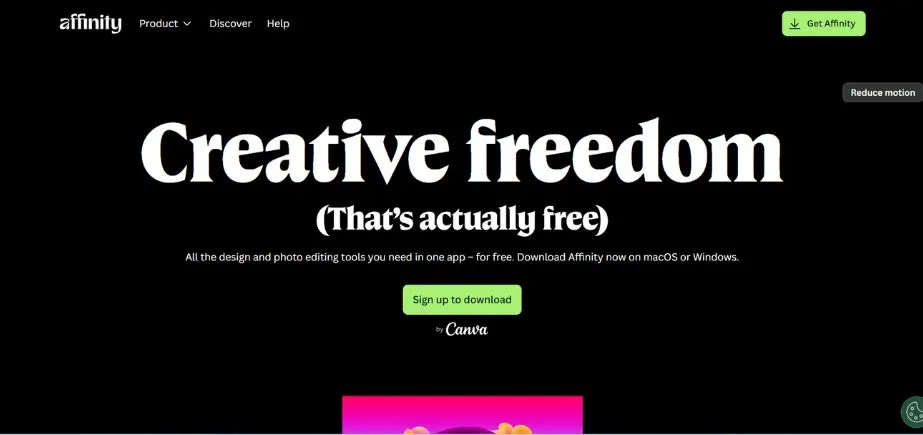
The Affinity Suite by Serif can be seen as a whole creative environment aimed at shaking up the Adobe hegemony by providing the capabilities of a creative professional environment at a fraction of the price. The suite consists of three applications dedicated to specific tasks: Affinity Photo to edit and retouch raster images, Affinity Designer to create the illustration and graphic design and Affinity Publisher to create a multi-page layout and publication project. Both applications provide refined interfaces performing powerful functions that stand next to their Adobe counterparts yet perform well on simple hardware.
Affinity being one of the leading Adobe Creative Cloud Alternatives, the largest benefit is the one time purchase environment, which completely avoids all recurrent subscription charges. These applications are fully compatible with other Adobe formats such as PSD, AI, and PDF and can easily share files across other applications, so there is no issue with collaboration. The updates of the features are frequent and are free of charge, and the software is perfectly compatible both with macOS and windows, as well as iPad.
Affinity Suite can offer a pretty good value proposition to freelancers, small studios, and those professionals who care about getting the Adobe features without spending money on a recurring basis.
Key Features:
- One-time purchase licensing model
- Professional image and vector editing
- Adobe format compatibility
- Cross-platform device support
- Regular free updates
Pros:
- No subscription fees required
- Professional-quality output capability
- Fast and resource-efficient
Cons:
- Limited plugin ecosystem
- No cloud collaboration built-in
- Less integration between apps
Pricing: Individual:
- Affinity V2 Universal License: ₹5,599
- Individual desktop apps: ₹2,349 each
- Individual iPad apps: ₹619 each
Business:
- Affinity V2 Universal License (Multi-user): ₹5,319.05
- Business desktop apps: ₹2,231.55 each
- Business iPad apps: ₹588.05 each
Education: Custom pricing available
4. Canva
Website: https://www.canva.com/en_in/
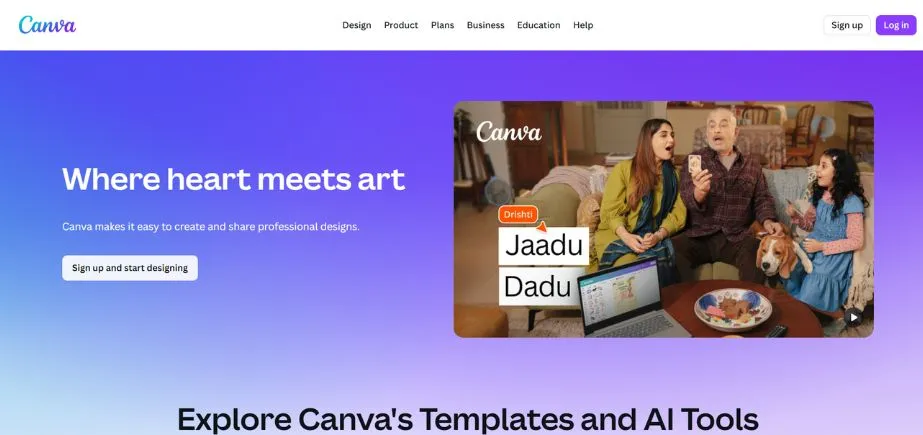
Canva has helped in democratizing graphic design through the development of the simple and easy to use platform which enables non-designers to create professional-looking content with little effort. This web-based application has a drag-and-drop system and has thousands of ready-made templates including social media posts, presentations, posters, infographics, marketing content, and literally anything you can imagine.
Although it is not as robust as Adobe in complex professional work, Canva proves to be one of the most conveniently available Adobe Creative Cloud Alternatives to marketers, entrepreneurs, educators, and content creators who require appealing designs, yet with minimum training requirements. The platform has visual consistency brand kit management, collaboration team and scheduling social media publishing functions. Canva Pro gives access to premium stock photo, illustration and animation, as well as sophisticated functionality such as background removal.
The fact that one can design any product at any time and place, and the free tier is also extensive, makes Canva especially appealing when it comes to regular design projects with smaller budgets.
Key Features:
- Browser-based drag-and-drop design
- Massive template library included
- Brand kit management system
- Team collaboration capabilities
- Social media scheduling integration
Pros:
- Extremely beginner-friendly interface
- Quick content creation workflow
- Generous free version available
Cons:
- Limited advanced editing options
- Less flexibility than professional tools
- Template-based design constraints
Pricing:
- Free version with core features
- Canva Pro: Check website for current pricing
- Canva for Teams: Check website for current pricing
5. Blender
Website: https://www.blender.org/
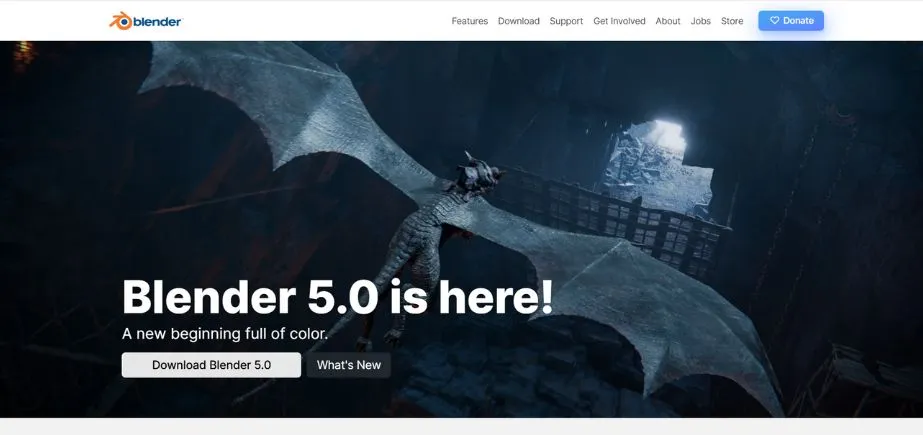
Blender is the leading free, open-source 3D creation, animation, visual effects, rendering system, which makes it an extraordinary substitute to adobe creative cloud when it comes to three-dimensional tasks. This is a full suite that competes with commercial programs such as Cinema 4D and Maya at a cost of zero and is backed up by a network of developers and artists in the world. Blender can be used in modeling, sculpting, rigging, animation, simulation, rendering, compositing, motion tracking and even in video editing, all in one integrated package.
Cyles and Eevee rendering engines of the software create beautiful photoreal and real time visualization respectively. Python programming allows a high level of customization and automation and its node-based workflow gives professional flexibility. Blender is used to create all types of work, such as characters and environments, visual effects and architectural visualizations, in industries as varied as independent game development to feature film production.
The interface may pose a challenge to new users due to the learning curve, but the incredible feature lineup of Blender makes it a value proposition that is unmatched by any other app that is free of charge.
Key Features:
- Complete 3D creation suite
- Advanced rendering engines included
- Python scripting for customization
- Video editing capabilities built-in
- Open-source with active development
Pros:
- Completely free forever
- Studio-level professional features
- Strong community support
Cons:
- Challenging learning curve
- Interface complexity for beginners
- Demanding hardware requirements
Pricing:
- Free and open-source
6. GIMP (GNU Image Manipulation Program)
Website: https://www.gimp.org/
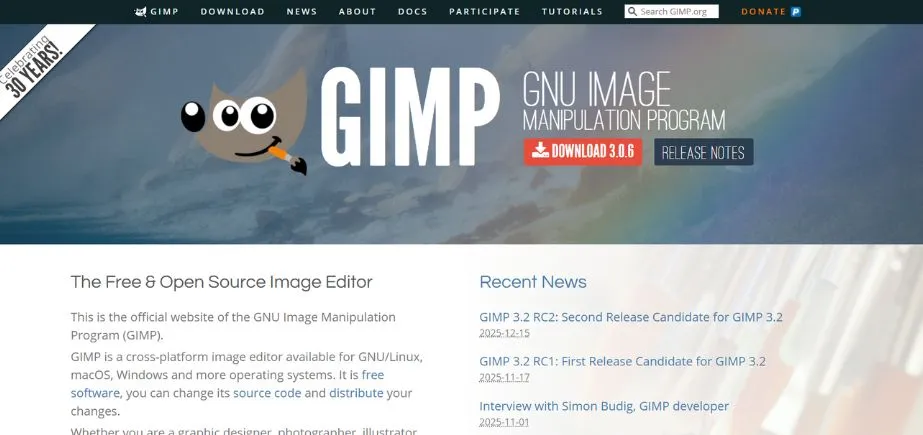
GIMP has historically been the free choice to use instead of Adobe Photoshop, offering the high-end raster image editing features without any charge to license. It is an open-source application which provides, layers, masks, customizable brushes, wide variety of filters, color correction software, and support of the splug-ins and allows one to do the photo manipulations and creation of graphic on the level of the professionals. GIMP, being one of the oldest Adobe Creative Cloud Alternatives to image editing, supports multiple file formats, such as native PSD-files of Photoshop, which allows it to work in collaboration with Adobe users.
This software is available on Windows, macOS, and Linux platforms, and therefore it is accessible to everyone. Although the interface of Gimp might not seem as well-designed as the Photoshop interface, the functionality can be highly effective when it comes to photo retouching, photo restoration, or digital painting and graphic design.
The community of active developers keeps the software constantly enhanced, extending and enhancing features, and developing extension software (plugins). Gimp offers outstanding value to users who are willing to resort to free image editing software with no subscription fees or licensing fees, only that they should be ready to learn its distinct workflow.
Key Features:
- Open-source image editor
- Layer-based editing workflow
- Extensive filter and plugin library
- PSD file format support
- Cross-platform compatibility
Pros:
- Completely free to use
- Powerful editing capabilities
- Active community development
Cons:
- Less polished user interface
- Steeper learning curve
- Limited vector graphics tools
Pricing:
- Free and open-source
7. CorelDRAW Graphics Suite
Website: https://www.coreldraw.com/en/
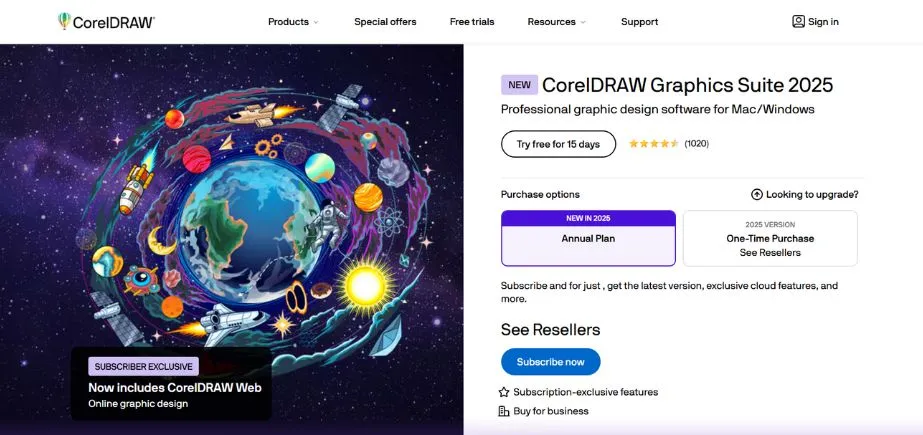
CorelDRAW Graphics Suite provides an integrated set of professional software to create in the areas of vector illustration, page layout, photo editing and typography, to compete with Adobe creative software as a full replacement ecosystem. The suite has developed a very strong reputation especially among professionals in branding, signage, apparel design and print production that value its intuitive interface and strong capabilities.
The vector-based editing engine within CorelDRAW provides accuracy and versatility in the creation of logos, illustrations, and technical drawings where the bitmap-based editing application of Corel PHOTO-PAINT has strong editing potential. The suite comes with teamwork tools, AI-enhanced features with increased productivity, available in a wide variety of file formats that are compatible with all workflows. Though traditionally windows-oriented, the macOS has become much more accessible, and its support has been enhanced.
This renders it to be one of the strong Adobe Creative Cloud Alternatives among design professionals. The users get the choice between subscription pricing and perpetual licenses, and there are detailed tutorials and robust community support that help users learn to use the products when they are new to using Adobe.
Key Features:
- Vector illustration and layout tools
- AI-powered design assistance
- Multi-page document support
- Extensive file format compatibility
- Typography and font management
Pros:
- Comprehensive professional toolset
- Flexible licensing options available
- Strong for print design work
Cons:
- Higher cost than some alternatives
- macOS version lags slightly
- Learning curve for newcomers
Pricing: Check official website for current subscription and perpetual license pricing
8. Inkscape
Website: https://inkscape.org/
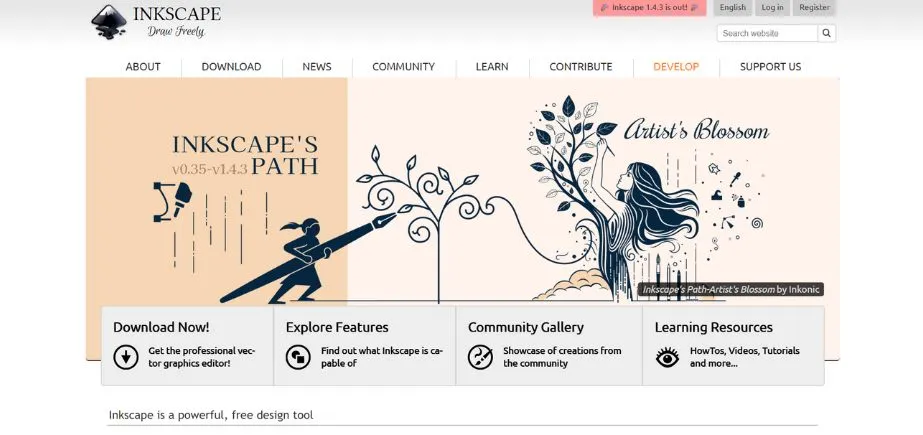
Inkscape is a scalable, fully free open-source vector graphics editor that is an excellent substitute to Adobe Illustrator to design scalable artwork, logos, iconography, diagrams and illustrations. It is open-source software that can support the SVG (Scalable Vector Graphics) format to some extent and still allows work with AI, EPS, and PDF files which are common in professional works. The toolset in Inkscape supports advanced path editing, node editing, text editing and object transformation features allowing advanced vector design work.
It can be extended and scripted and supports workflow automation and extensions and is cross-platform, allowing users to use it on Windows, macOS, and Linux. It might not have some of the advanced features of Illustrator or optimize its processing speed, but the active community of Inkscape developers is actively developing the software and documenting it as much as possible.
To designers, illustrators, and hobbyists who need good vector-editing software that is part of the Adobe Creative Cloud Alternatives but do not require any financial investment, Inkscape is a remarkable option that offers a balance of functionality and zero-cost approach to professional-quality vector design to anyone with a budget of any size.
Key Features:
- SVG native format support
- Comprehensive vector drawing tools
- Path and node editing capabilities
- Extension and scripting support
- Multi-platform availability
Pros:
- Completely free forever
- Great for logos and icons
- Lightweight system requirements
Cons:
- Interface feels somewhat dated
- Occasional performance issues
- Limited print production features
Pricing:
- Free and open-source
9. Sketch
Website: https://www.sketch.com/
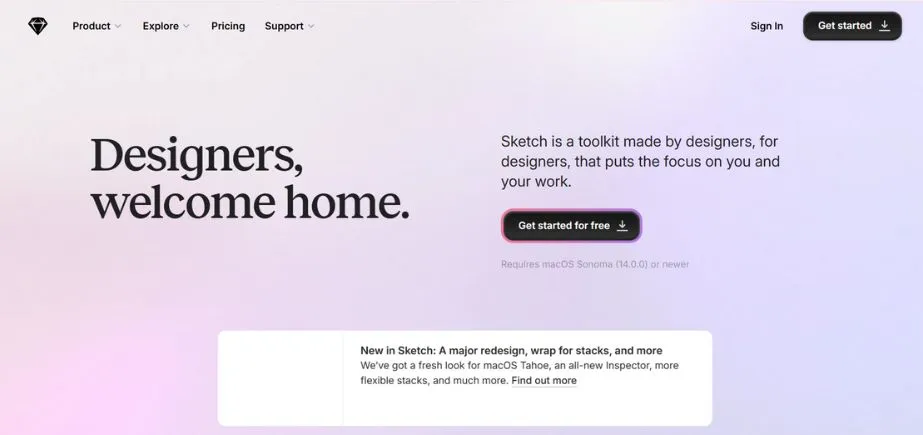
Sketch has become the design tool of choice of most UI/UX designers and digital product designers, with a focus on interface design, it has positioned itself as a fast, vector-based platform that is optimized to do interface design work. Sketch is only accessible on macOS and features a clean workspace alongside the strength of reusable symbols, shared styles, design libraries, and extensive prototyping options that support the modern workflow in design. The software is compatible with the latest prototyping, developer handoff, and team collaboration tools via its expansive and extensive plugin ecosystem.
The real-time collaborative capabilities allow several designers to work concurrently, and watch changes happen in real-time, and it is a great option in the list of replacements of adobe creative cloud among designing teams. The licensing model of Sketch has a subscription service as well as cheaper perpetual licenses, which are flexible according to the needs of the user.
Although it does not include photo editing and video features common in the wider suite of Adobe, Sketch is laser-focused on digital product design and is, therefore, very efficient and popular in the technology field where speed, accuracy, and support of modern design systems are the most important factors.
Key Features:
- Vector-based UI/UX design tools
- Symbol and component systems
- Built-in prototyping functionality
- Developer handoff automation
- Extensive plugin ecosystem
Pros:
- Streamlined for digital design
- Clean responsive interface
- Strong plugin community
Cons:
- macOS exclusive platform
- No photo editing capabilities
- Lacks video editing tools
Pricing:
- 30-day free trial
- Standard subscription: $10/month
- Mac-only license: $120 per seat
- Business subscription: $22/month
10. Krita
Website: https://krita.org/en/
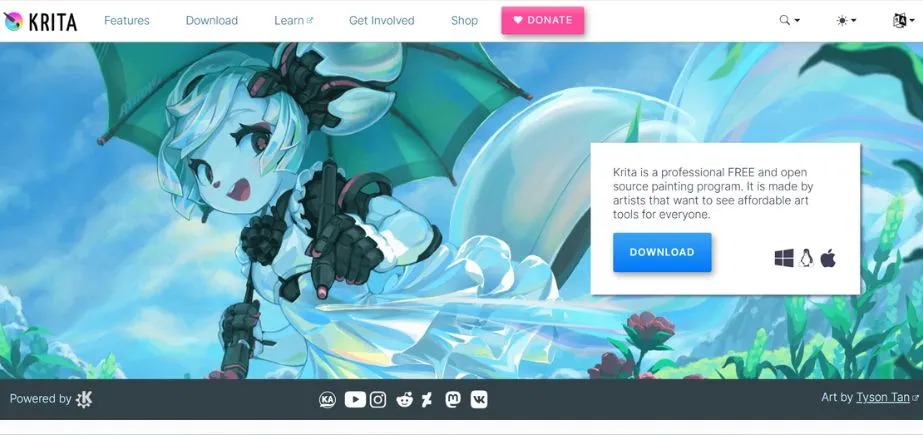
Krita is an open-source project dedicated to the digital painting and illustration space, allowing artists to create a powerful tool designed to draw creatively and not to edit photos or to create graphics. This open-source software has an advanced brush engine with stabilizers, the ability to paint a texture, animate and a full layer management that competes with costly commercial software. The interface of Krita can be greatly personalized to suit the workflow of any person, whereas the performance engine manages big canvases effectively.
The software also facilitates pressure-sensitive drawing tablets and styluses, thus it seems more familiar to traditional artists using a digital medium. Although less advanced in photo editing or layout than other suites with greater creative capabilities, Krita performs particularly well in the tasks it was initially created, namely painting and illustration of concept art, comics, texture creation, and animation work.
Being one of the bespoke Adobe Creative Cloud Alternatives that specializes in the field of artistic creation, the combination of the high-end features, the absence of fees and the dynamic development of the community, Krita is the most suitable option of digital artists of any level, who are in need of an alternative to Adobe painting tools.
Key Features:
- Advanced brush engine
- Layer and color management
- Animation support included
- Drawing tablet compatibility
- PSD file format support
Pros:
- Tailored for digital painting
- Excellent brush customization
- Free professional-grade tools
Cons:
- Limited layout capabilities
- Basic text tools
- Performance issues on huge canvases
Pricing:
- Free and open-source
How to Choose the Right Adobe Creative Cloud Alternatives
Therefore, to choose the right Adobe Creative Cloud Alternatives, it is necessary to consider your creative needs and workflow requirements, the available budget, and your future objectives. This will guarantee you take wise decisions to invest time in tools that are truly in support of your career goals.
- Select your main creative field: Find out what tools mostly you require to work with photo editing, vectors design, video creation, UI/UX, 3D modeling, or a mix of those. I
- Check file compatibility needs: Determine the level of collaboration with clients, colleagues, teams that use Adobe software and whether or not it is necessary to have a smooth import/export of PSD, AI or other Adobe specific files.
- Evaluate your budget and preferences regarding paying: When subscribing to a service or buying it at once or using a free version, estimate the total cost of owning the product in the next three to five years.
- Consider learning curve vs productivity: Figure out how much time you can actually spend learning new software interfaces, keyboard shortcuts, and workflows without really causing much trouble to the current project deadlines or client obligations.
- Support resources and research community: Research on availability of tutorials, online courses, user communities, forums and third-party plugins of alternative chosen before hand.
Conclusion
The virtual world of the creative software has changed radically, with a host of strong Adobe Creative Cloud Alternatives that have the ability to dispel the long-established dominance of Adobe through their appealing features, scalable prices and specialized functionality. In contrast to large suites such as Affinity and CorelDRAW or more focused programs such as Figma to design user interfaces, DaVinci Resolve to produce videos, or Krita to create digital art, the alternatives of today offer professional features without any required subscriptions.
Free open-source alternatives such as Gimp, inkscape and blender reveal that great tools need not be purchased with money and platforms such as Canva make design open to everyone not just a professional. It is all a matter of discipline in your own creative field, group work needs, budget, and your readiness to master the new workflow.
A number of practitioners find that combining options, such as Affinity to edit photos, Figma to design interfaces, and DaVinci Resolve to edit video, is a better fit (more flexible and less expensive) than the all-in-one solution offered by Adobe. With the continued advancement of these adobe creative cloud alternatives due to active development and community support, the creative software ecosystem is becoming more competitive, which ultimately benefits the user with improved features, reduced pricing, and more flexibility in creating custom user-to-tailored creative workflows.
FAQs
Q1: Would you consider me to be able to fully substitute Adobe Creative Cloud with free options?
Yes, GIMP and Inkscape as photo editing and DaVinci Resolve and Blender as 3D can substitute most Adobe features without spending money, however, certain workflows might need some tweaking.
Q2: Can clients embrace the projects developed using adobe Creative Cloud Alternatives?
The majority of clients are concerned with end products instead of creating applications, but the ability to work with industry-standard files such as PSD, PDF, and standard video codecs can guarantee uninterrupted cooperation and file sharing.
Q3: Can Adobe Creative cloud alternatives be used in professional commercial work?
Yes–there are scores of replacements, including Affinity Suite, CorelDRAW, DaVinci Resolve, and Figma, which are common in a corporate setting where they are creating commercial work on large businesses, film, and agencies around the globe.
Q4: How hard is to switch Adobe Creative Cloud to the substitutes?
The difficulty depends on the software- some options are similar to the interface of Adobe that returns easier to change over, whereas others need to learn new workflows, although the majority of users of those options are expected to learn the new elements within weeks due to the commitment to practice and the availability of learning options.
Continue Exploring: Best Web Designing Courses in Delhi
