
A professional services company is not easy to run. You have to account for time, handle projects, issue invoices and make everything in order. This is too time-consuming to do manually, as well as prone to error. Professional Services Automation Software comes to the rescue in this case.
Professional Services Automation Software refers to a special software that assists a business in managing its day-to-day work automatically. It handles tedious duties such as tracking time, billing and reporting. This implies that you will have time to do what you enjoy at work, as well as less time on paperwork.
They can transform your working style with the appropriate professional services automation tools, whether you are in a small consulting firm or a major engineering firm. They assist you to earn extra money, retain customers and expand your enterprise. We shall discuss the 10 best choices in the year.
What to Look for in Professional Services Automation Software
You must be familiar with what a good Professional Services Automation Software is before selecting it. The following are critical issues to be considered:
- Industry Fit: Software must be the perfect fit for your business type.
- User-Friendliness: The site should be easy and uncomplicated to navigate.
- Integration Options: It needs to integrate with your other existing business tools.
- Customer Support: Customer support should be good when required.
- Pricing Transparency: The costs must be transparent, and no hidden costs must be attached.
Key Features to Look for in Professional Services Automation Software
A Professional Services Automation Software needs to include the following capabilities:
- Time Tracking: Properly document billable hours among all the team members daily.
- Project Management: Plan and track various projects at a single point.
- Resource Planning: Plan and schedule available resources.
- Invoice Generation: Manually generate and send professional invoices to clients.
- Financial Reporting: Accounting of the profit margins and business performance in real time.
Read More: Top Data Analytics Courses in Delhi
Top 10 Professional Services Automation Software in 2026
1. Projectworks
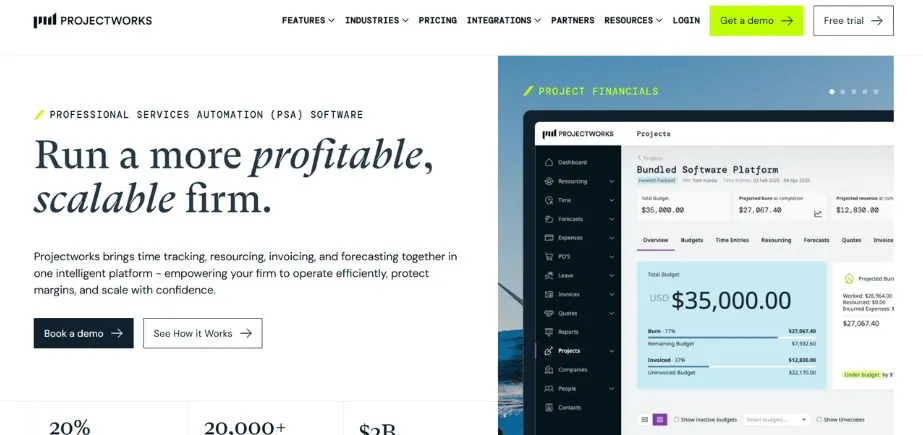
Projectworks is a cloud-computing Professional Services Automation Software that is used by businesses that are expanding. It aims at assisting consulting, engineering, architecture and software companies to get rid of administration and increase revenue. The platform has a reputation for having robust financial tracking and forecasting capabilities.
A 20 per cent growth in business is generally observed within the first year of use. Projectworks has a star customer support. The software is highly integrated with accounting applications such as Xero, QuickBooks, and MYOB. It works best in companies of 10 to 200+ staff that like to scale in an intelligent way.
Key Features
- Profound financial projections.
- Margin tracking project intelligence.
- Good Xero integration 4.9 stars.
Pros
- Free trial, transparent pricing.
- Good 5-star customer service.
- Good financial reporting and forecasting tools.
Cons
- Most suitable for small to medium businesses.
- Only restricted to certain industries.
- Newer platform than some of the competitors.
Best For: Consultants
Pricing: Starts at USD $19/user/month
Website: https://www.projectworks.com
2. Certinia PS Cloud
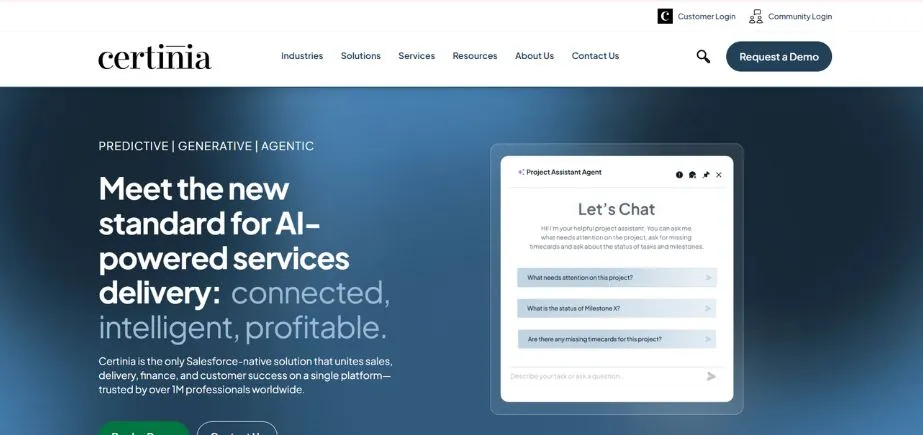
Certinia PS Cloud is a Professional Services Automation Software that is designed to meet the needs of Salesforce users. It operates on the Salesforce platform and, therefore,,e would be effective among companies already using Salesforce as their CRM. The software is tailored to mid-market and enterprise firms with 100- 1,000+ staff. Certinia provides good PSA capabilities such as time tracking, resource management and invoicing.
It also contains a Services Estimator tool to establish the detailed project estimate. It is, however, pricier on the market as compared to others. You will also have to purchase Salesforce independently, and this increases the overall price.
Key Features
- Native Salesforce construction.
- Services Estimation: Detailed quotes.
- Teamwork tools for clients.
Pros
- Intensive integration with Salesforce CRM.
- Large enterprise companies are good.
- Strong reporting and analytic functionality.
Cons
- Very expensive at $150/user/month
- None of the free trials at the moment.
- Needs individual Salesforce subscription fees.
Best For: Enterprises
Pricing: USD $150/user/month (estimated)
Website: https://www.certinia.com
3. Kantata
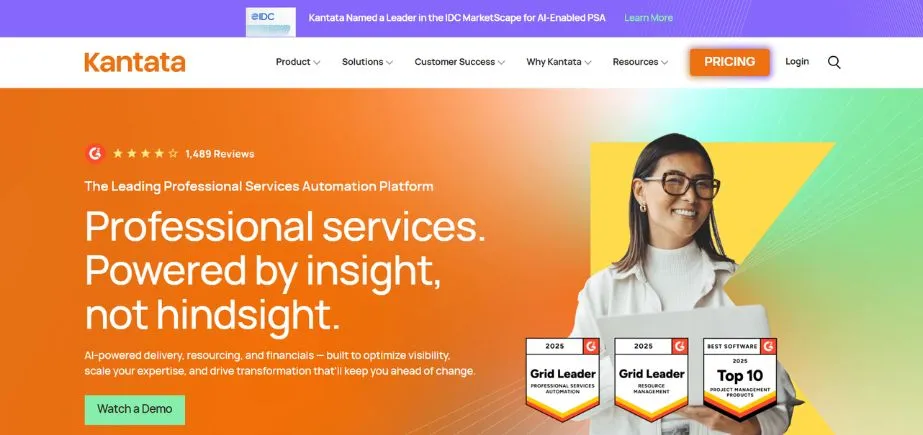
Kantata is a PSA software, which was a product of a merger between Mavenlink and Kimble. It targets mid-to-large companies (50 and above) having up to 5,000 employees. The software is provided in two versions, OX and SX (which is run on Salesforce). Kantata has been involved in its AI, which assists in optimising the scheduling of its resources and enhancing financial forecasts.
Marketing agencies, software companies, and consulting firms are very popular with it. The platform is a combination of one site that handles project management, resource planning, and finances. Nonetheless, according to users, it is very time-consuming and expensive to install.
Key Features
- Kantata AI streamlines the decision of resourcing.
- Budget tracking and financial forecasting.
- More than 1200 ready-made connector integrations.
Pros
- Powerful artificial intelligence capabilities of automation.
- Best in mid to large firms.
- An extensive feature list is present.
Cons
- Complicated configuration and acquisition.
- It does not offer any free trial.
- The online prices are not publicly released.
Best For: Agencies
Pricing: Custom pricing (contact sales)
Website: https://www.kantata.com
4. BigTime
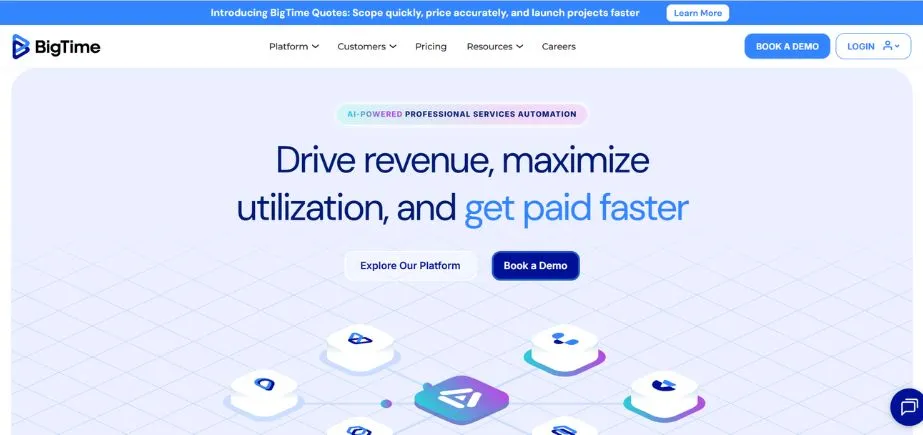
One of the oldest automation tools of professional services was created in 2002 and called BigTime. It caters to a large number of industries such as accounting, architecture, engineering, consulting and government contracting. The platform offers wide PSA capabilities, including time monitoring, cost control, resource planning, and invoicing.
There is also the AI in BigTime to enhance the allocation and reporting of resources. Nevertheless, the more significant ones, such as resource planning and budgeting, are present only in the highest level of the Premier. It is an indication that you may spend a lot more money to have access to everything you require.
Key Features
- Smart resourcing BigTime AI.
- CPQ of quotes to BigTime Services.
- AI Assistant and Data Hub
Pros
- Effectively catering to several industries.
- It has a trial period that can be tested.
- Good user ratings on reviews.
Cons
- Only important features on the premium tier.
- Has to buy other products separately.
- Reported problems of integration with QuickBooks.
Best For: Accountants
Pricing: Starts at USD $20/user/month
Website: https://www.bigtime.net
5. Rocketlane
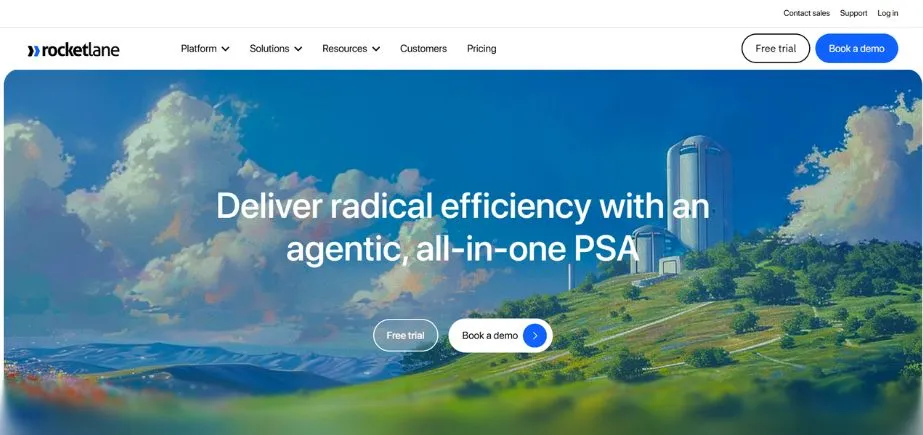
Rocketlane is a relatively recent Professional Services Automation Software, based in India since 2020. It began with an onboarding platform for customers and subsequently introduced PSA. The software targets marketing firms and software corporations, but not architects and engineers. Rocketlane is a company that has AI capabilities that summarise meetings and automatically write documentation.
Still, it is interesting to pay attention to the fact that the platform did not get expense tracking until July 2026, which is a fundamental feature most PSA tools have long had. At the high levels, the cost is very high.
Key Features
- AI Fills records meeting notes.
- Insight analytics of business IQ.
- Onboarding platform with customers integrated.
Pros
- Contemporary interface and user experience.
- Software companies in particular are good.
- 14-day free trial available
Cons
- Lacks the features of a missing PSA.
- Premium Enterprise levels are expensive.
- In continuing development and enhancement.
Best For: Software
Pricing: Starts at USD $29/user/month
Website: https://www.rocketlane.com
6. Autotask PSA by Datto
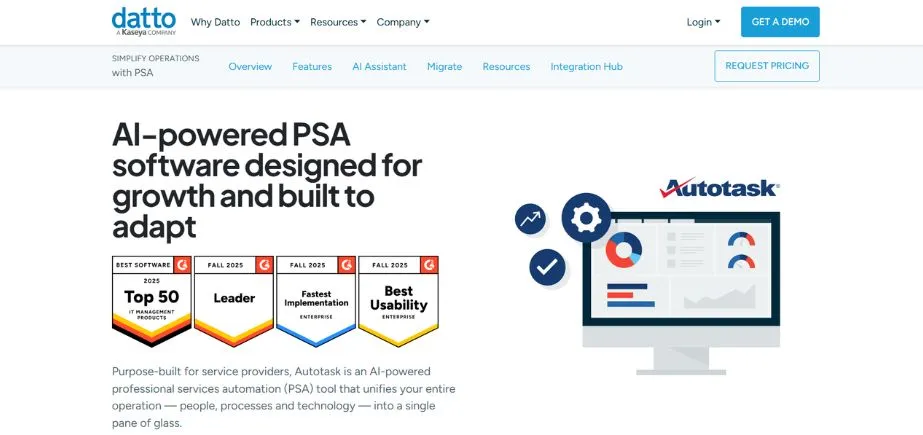
Datto Autotask PSA is a PSA software that specifically targets IT services companies as well as managed service providers. It assists software development firms in managing their service desk and automating the back-office business. The platform has all the normal PSA functions and a robust service desk facility.
It works together with the Datto Remote Monitoring and Management system, which can be of use to IT departments. Nevertheless, users state that the interface is old-fashioned and the reporting functionality is too complex. Some of the reviewers have claimed that the software is rigid and slow.
Key Features
- Ticket Desk: Powerful Service Desk.
- It has more than 250 third-party integration options.
- Inventory and Document Manager capabilities.
Pros
- Good brand name in the IT industry.
- It is compatible with Datto RMM.
- Good to communicate with clients.
Cons
- Reported outdated interface and design.
- Complex reporting functionality that should not be that challenging.
- There is no free trial in place.
Best For: IT
Pricing: Custom pricing (contact sales)
Website: https://www.datto.com/products/autotask-psa
Explore More: Best Colleges for MBA in Digital Marketing in Bangalore
7. Scoro
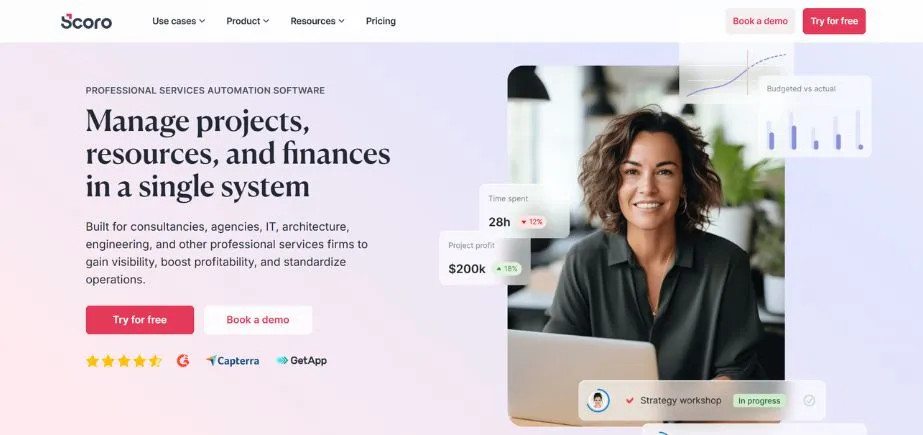
Scoro is a Professional Services Automation Software, which is based in Estonia and was established in 2013. It caters to the consulting firms, the marketing agencies, the event management companies and the architecture firms. The platform provides a sound PSA platform that has project management, time tracking and invoicing. There is, however, a condition behind this – only in the most expensive Performance plan, timesheets can be created.
In addition, expenses are not exported or automatically synchronised via the Xero and QuickBooks integration, which is annoying. Scoro will have an artificial intelligence assistant named ELI that finds business insights. According to the users, the platform is sometimes slow.
Key Features
- ELI AI assistant of insights.
- Inbuilt client management CRM.
- Team communication software.
Pros
- Service companies: The all-in-one service platform.
- Marketing agencies in particular are doing well.
- 14-day free trial available
Cons
- Timesheets are included in the high-cost plan.
- Problems in integrating with accounting software.
- Can be slow with loading
Best For: Marketers
Pricing: Starts at USD $23.90/user/month
Website: https://www.scoro.com
8. Accelo
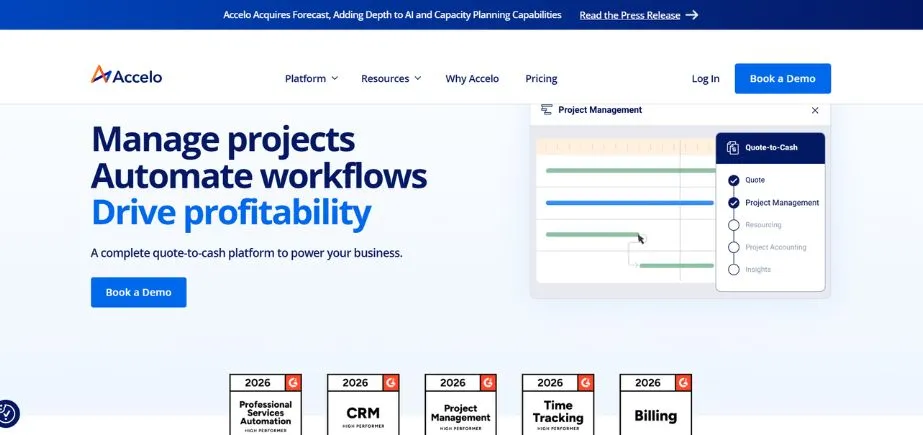
Accelo is a business PSA tool that manages between quote and cash projects. It has a built-in CRM for professional services. The site is used by consulting firms, marketing firms, accounting firms, architecture firms, engineering firms, and software firms. Accello also provides a whole array of PSA capabilities such as time tracking, expenses, resources and invoicing.
It can be connected with such popular tools as Microsoft 365, Google Workspace, QuickBooks, and Xero. Nevertheless, some individual users complain of slow onboarding, bad customer service, and billing. The prices do not appear publicly, which may be annoying.
Key Features
- Integrated CRM for services companies.
- Workflow Quote-to-cash project management.
- Intelligent planning and usage monitoring.
Pros
- An extensive PSA feature set is present.
- Harmonious business tools integrations.
- Favourable comments by marketing agencies.
Cons
- Not publicly available online pricing.
- Reported poor customer support in recent times.
- None of the free trials presently.
Best For: Consultants
Pricing: Custom pricing (contact sales)
Website: https://www.accelo.com
9. BQE CORE
BQE CORE is among the oldest software platforms for professional services in the market. It targets specifically architects and engineers. The software is a complete work management software which also encompasses time tracking, expenses, resource management, invoicing and reporting.
BQE CORE provides accounting and CRM capabilities as well, but these may be redundant with other tools. Certain users claim that the site has latency problems and a non-intuitive user interface.
Key Features
- Included in the built-in accounting system.
- Client management CRM functionality.
- API for custom integrations
Pros
- Complete architects engineers’ suite.
- The ease of use, as per the reviews.
- Good name in the architectural business.
Cons
- Can be laggy and slow
- High implementation costs and time are consumed.
- No free trial available
Best For: Engineers
Pricing: Custom pricing (contact sales)
Website: https://www.bqe.com
10. WorkflowMax
WorkflowMax refers to a project management application that was once the possessionbyf Xero. It was purchased by Bluerock, which developed the platform anew.
This change has been painful, and the software has thus gotten a bad reception. Nonetheless, WorkflowMax is used by architecture, construction, creative agencies, engineering, and consulting companies. It provides good PSA functionalities such as time, expenses, resource, invoicing, and reporting.
Key Features
- A document management system was incorporated.
- CRM functionality lead manager.
- Connected to Xero accounting.
Pros
- Unique pricing based on team
- 14-day free trial available
- Integrates well with Xero
Cons
- Worst reviews of top tools
- A lot of bugs and errors were reported.
- Suffering implementation and set-up.
Best For: Construction
Pricing: Starts at NZD $97/month (up to 5 users)
Website: https://www.workflowmax.com
Common Use Cases of Professional Services Automation Software
Professional Services Automation Software is beneficial to the business in a variety of ways. Here are the most common uses:
- Time Tracking: Recording billable hours automatically will not require manual time sheets.
- Project Management: Monitor several projects at a time and can see them in real time.
- Resource Allocation: Allocate the right people to projects according to availability.
- Invoice Generating: Issue precise bills in the shortest time possible, which saves a lot of time in payment delays.
- Financial Forecasting: Anticipate revenue and the margins before the projects are fully completed.
How to Choose the Professional Services Automation Software
It is significant to select the appropriate Professional Services Automation Software to use in your business. And here is the way to know how to make the best decision:
- Identify Your Needs: List all the features that you absolutely require in your business daily.
- Check Industry Fit: Select the software that is industry-specific.
- Test Before Buying: Free trials will be used to test the usability and features.
- Review User on G2 and Capterra Checks: Go to G2 and Capterra and look for honest user reviews.
- Take into consideration the total cost: Add all expenses, such as onboarding and add-ons.
Conclusion
Professional Services Automation Software selection can be a game-changer for your business. It does not spend time, minimises mistakes, and assists you in earning more money. The 10 options that have been mentioned in this article are all solid options in 2026. Projectworks is very good when it comes to consultants who require good financial tracking. Certinia is optimal with big companies that already use Salesforce. Kantata is a powerful AI platform for agencies. BigTime is beneficial to several industries.
Every automation tool of professional services has its strong and weak points. The correct PSA software will ease your job, make your staff happier, and make your clients more satisfied. Wait to make the right decisions, and you will realise the fruits soon.
Frequently Asked Questions
1. What is Professional Services Automation Software?
Professional Services Automation Software is a model that aids service firms to control projects, time tracking, generate invoices and control resources all automatically. It removes the manual administration processes so that you can concentrate on serving the customers in a better way.
2. What is the price of PSA software?
Business PSA tools are usually priced at between 19-150 users per month. Other providers provide custom pricing. There are other costs, such as onboarding fees, implementation costs, and add-on features that must always be checked before committing.
3. What are the industries that use Professional Services Automation Software?
Professional Services Automation Software is used to run operations and enhance profitability in consulting firms, marketing agencies, architecture firms, engineering companies, accounting practices, software developers and even IT services.
4. Does Professional Services Automation Software interface with other software?
Yep, the majority of professional services automation tools are integrated with accounting software, such as Xero and QuickBooks, CRMs, such as Salesforce and HubSpot and other business tools. Have checked the integration selection and then select a platform.
5. Should I be trained in the use of PSA software?
Professional Services Automation Software is usually made user-friendly. Nevertheless, the good providers provide onboarding service, training, knowledge base and customer support services that help you to learn the system fast and apply it to work.
Continue Exploring More: Best Digital Marketing Courses in Trivandrum
